
E-mail signatures and e-mail banners
There are two versions of banners in Outlook in use: banners as closing element in email signatures and larger-format header banner opening the email when applied as newsletters, invitations, announcements or simply for technical notes. Find below the guidelines and templates in one PowerPoint document for download to create the banners on your own or to instruct your design partner.
Banners
Banners as part of email signatures
Banners used as concluding element in email signature
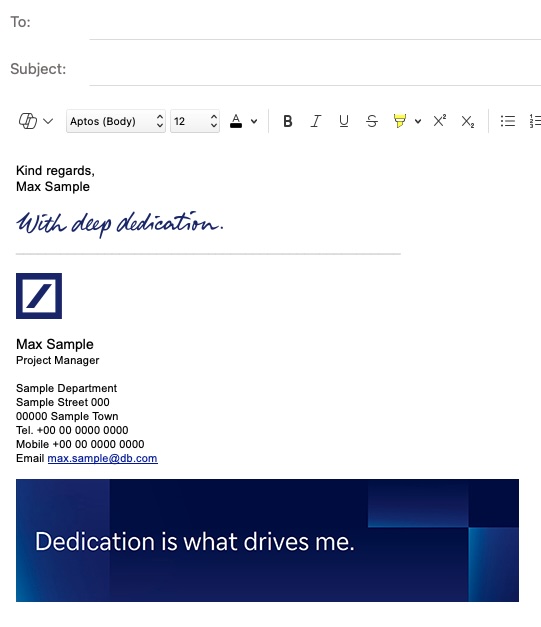
Email signature banners
Guidelines and templates
Application
The templates include essential steps and guidance for implementation on Windows and MAC.
Ensure that the position and size of the text remain unchanged.
Banners for email headers
For headers of newsletters, announcements, etc.

Email header banners
Guideline and templates
Application
Templates are available in various sizes — S, M, L, and XL. Choosing the right size depends on the amount of content you wish to include. It is recommended to keep the headline short and concise for optimal presentation.
The templates include essential steps and guidance for implementation on Windows, MAC, and the Eventogy tool.